5-1. PHPとJavaScriptでフォーム処理
更新日:2025年12月7日
5-1. PHPとJavaScriptでフォーム処理について解説します。
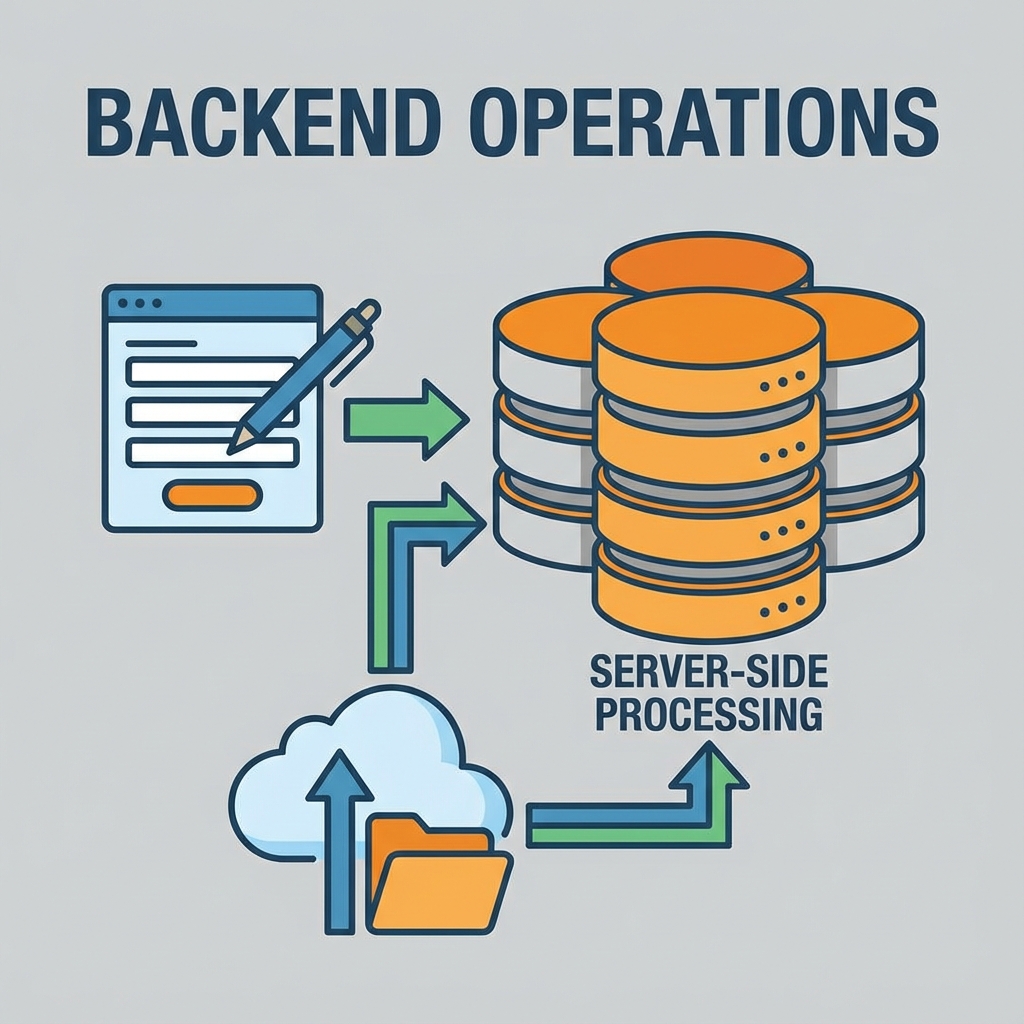
※画像は生成AIによるイメージです。
フォーム処理は、Webアプリケーションの基本です。 JavaScriptでリアルタイムバリデーション、PHPでサーバー側の処理を行い、 安全で使いやすいフォームを実装します。
基本的なフォーム構造
<form id="userForm" action="process.php" method="POST">
    <div class="form-group">
        <label for="name">名前:</label>
        <input type="text" id="name" name="name" required>
        <span class="error" id="nameError"></span>
    </div>

    <div class="form-group">
        <label for="email">メール:</label>
        <input type="email" id="email" name="email" required>
        <span class="error" id="emailError"></span>
    </div>

    <button type="submit">送信</button>
</form>
JavaScriptでのリアルタイムバリデーション
const form = document.getElementById('userForm');
const nameInput = document.getElementById('name');
const emailInput = document.getElementById('email');

// 名前のバリデーション
nameInput.addEventListener('input', function() {
    const error = document.getElementById('nameError');
    if (this.value.length < 2) {
        error.textContent = '名前は2文字以上で入力してください';
    } else {
        error.textContent = '';
    }
});

// メールのバリデーション
emailInput.addEventListener('input', function() {
    const error = document.getElementById('emailError');
    const pattern = /^[^\s@]+@[^\s@]+\.[^\s@]+$/;
    error.textContent = pattern.test(this.value) ? '' : '有効なメールアドレスを入力';
});

// フォーム送信
form.addEventListener('submit', function(e) {
    e.preventDefault();
    if (validateForm()) submitFormData();
});
PHPでのサーバー側処理
<?php
$name = $_POST['name'] ?? '';
$email = $_POST['email'] ?? '';
$errors = [];

// バリデーション
if (strlen($name) < 2) $errors[] = '名前は2文字以上';
if (!filter_var($email, FILTER_VALIDATE_EMAIL)) $errors[] = '無効なメール';

header('Content-Type: application/json');
if (!empty($errors)) {
    echo json_encode(['success' => false, 'errors' => $errors]);
    exit;
}

echo json_encode(['success' => true, 'message' => '登録完了']);
?>
Ajaxでの非同期送信
function submitFormData() {
    const formData = new FormData(form);

    fetch('process.php', {
        method: 'POST',
        body: formData
    })
    .then(response => response.json())
    .then(data => {
        if (data.success) {
            alert(data.message);
            form.reset();
        } else {
            alert(data.errors.join('\n'));
        }
    })
    .catch(error => alert('通信エラー'));
}
セキュリティ対策
| 対策 | 説明 |
|---|---|
| XSS対策 | htmlspecialchars($input, ENT_QUOTES) |
| SQLインジェクション対策 | プリペアドステートメント使用 |
| CSRF対策 | トークン検証 |
| 二重バリデーション | JS + PHP両方で検証 |
まとめ
フォーム処理では、JavaScriptでユーザー体験を向上させ、 PHPで確実なデータ処理を行います。必ず両方でバリデーションを実装し、 セキュリティ対策を忘れないようにしましょう。
免責事項
本コンテンツは2025年12月時点の情報に基づいて作成されている。最新の情報については公式ドキュメントを参照されたい。
本コンテンツは2025年12月時点の情報に基づいて作成されている。最新の情報については公式ドキュメントを参照されたい。