5-2. PHPとJavaScriptでAjax通信
更新日:2025年12月7日
5-2. PHPとJavaScriptでAjax通信について解説します。
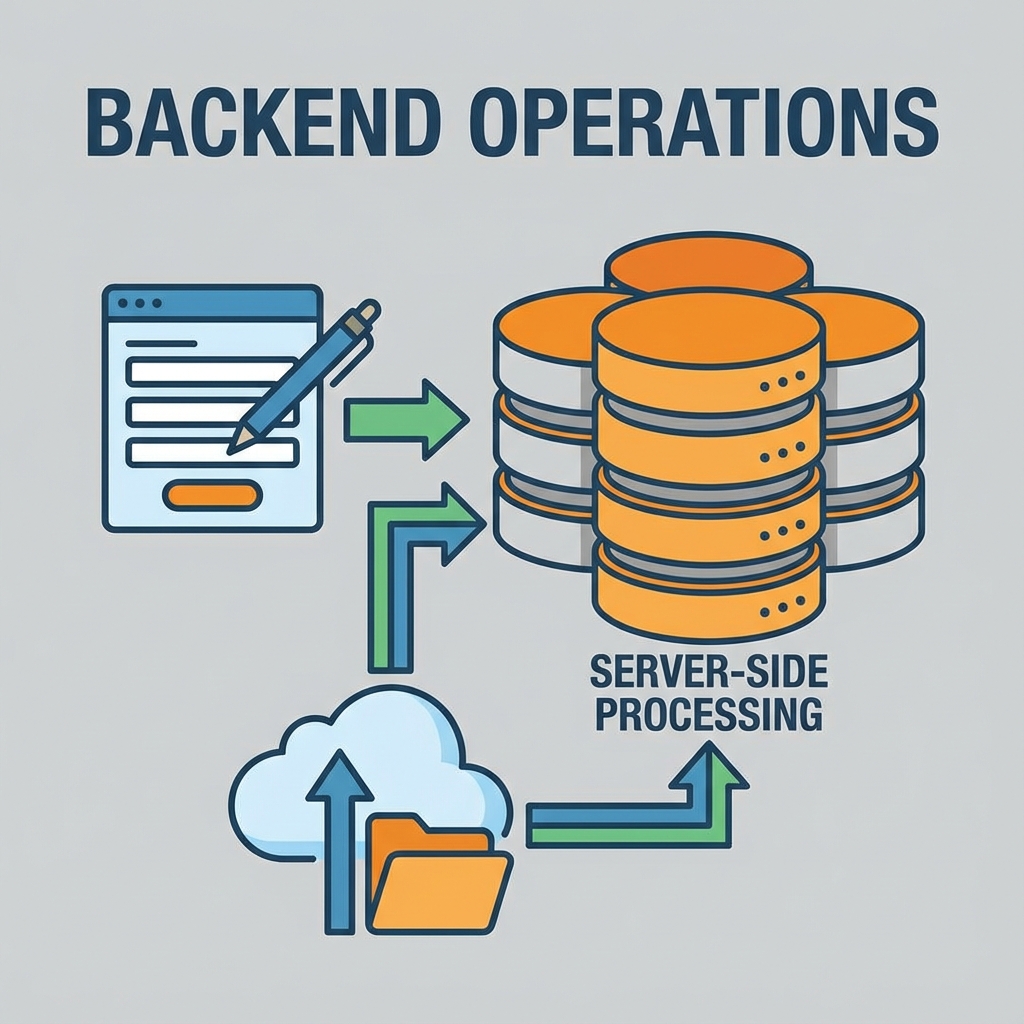
※画像は生成AIによるイメージです。
Ajax(Asynchronous JavaScript and XML)は、ページをリロードせずに サーバーとデータをやり取りする技術です。現在はfetch APIを使った実装が主流です。
Ajax通信の仕組み
- 非同期通信:ページ遷移なしでデータ送受信
- 部分更新:必要な部分だけを更新
- ユーザー体験向上:待ち時間の短縮
- サーバー負荷軽減:必要なデータのみ送信
fetch APIの基本パターン
GETリクエスト
// GETリクエストでデータ取得
fetch('api/get-data.php?id=123')
    .then(response => {
        if (!response.ok) {
            throw new Error('Network response was not ok');
        }
        return response.json();
    })
    .then(data => {
        console.log('取得したデータ:', data);
        updateUI(data);
    })
    .catch(error => {
        console.error('エラー:', error);
    });
POSTリクエスト
// POSTリクエストでデータ送信
const postData = {
    name: '山田太郎',
    email: 'yamada@example.com'
};

fetch('api/save-data.php', {
    method: 'POST',
    headers: {
        'Content-Type': 'application/json',
    },
    body: JSON.stringify(postData)
})
.then(response => response.json())
.then(data => {
    console.log('保存結果:', data);
});
実例:リアルタイム検索機能
HTML部分
<input type="text" id="searchBox" placeholder="商品を検索...">
<div id="searchResults"></div>
JavaScript部分
const searchBox = document.getElementById('searchBox');
const resultsDiv = document.getElementById('searchResults');
let searchTimeout;

searchBox.addEventListener('input', function() {
    clearTimeout(searchTimeout);
    const query = this.value.trim();

    if (query.length < 2) {
        resultsDiv.innerHTML = '';
        return;
    }

    searchTimeout = setTimeout(() => {
        performSearch(query);
    }, 500);
});

function performSearch(query) {
    resultsDiv.innerHTML = '<div class="loading">検索中...</div>';

    fetch(`search.php?q=${encodeURIComponent(query)}`)
        .then(response => response.json())
        .then(data => displayResults(data))
        .catch(error => {
            resultsDiv.innerHTML = '<div class="error">検索エラー</div>';
        });
}
PHP部分(search.php)
<?php
header('Content-Type: application/json');
$query = $_GET['q'] ?? '';

$products = [
    ['id' => 1, 'name' => 'ノートパソコン', 'price' => 98000],
    ['id' => 2, 'name' => 'ワイヤレスマウス', 'price' => 3500],
];

$results = array_filter($products, function($p) use ($query) {
    return stripos($p['name'], $query) !== false;
});

echo json_encode(array_values($results));
?>
ファイル送信(FormData使用)
const fileInput = document.getElementById('fileInput');
const formData = new FormData();
formData.append('file', fileInput.files[0]);

fetch('upload.php', {
    method: 'POST',
    body: formData
})
.then(response => response.json())
.then(data => console.log('アップロード成功:', data));
長いポーリング(リアルタイム更新)
function poll() {
    fetch('check-updates.php')
        .then(response => response.json())
        .then(data => {
            if (data.hasUpdate) {
                updateContent(data.content);
            }
            setTimeout(poll, 5000);
        })
        .catch(error => {
            setTimeout(poll, 10000);
        });
}
poll();
エラーハンドリングのベストプラクティス
async function fetchWithRetry(url, maxRetries = 3) {
    for (let i = 0; i < maxRetries; i++) {
        try {
            const response = await fetch(url);
            if (!response.ok) throw new Error(`HTTP ${response.status}`);
            return await response.json();
        } catch (error) {
            if (i === maxRetries - 1) throw error;
            await new Promise(r => setTimeout(r, Math.pow(2, i) * 1000));
        }
    }
}
まとめ
Ajax通信により、モダンでインタラクティブなWebアプリケーションを作成できます。 適切なエラーハンドリングとユーザーフィードバックを実装することで、 優れたユーザー体験を提供できます。
免責事項
本コンテンツは2025年12月時点の情報に基づいて作成されている。最新の情報については公式ドキュメントを参照されたい。
本コンテンツは2025年12月時点の情報に基づいて作成されている。最新の情報については公式ドキュメントを参照されたい。